Landing Page
The Landing Page is designed as a comprehensive home page for both top‑level managers and operators.
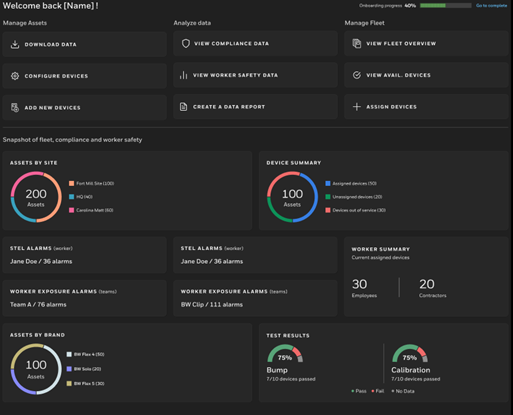
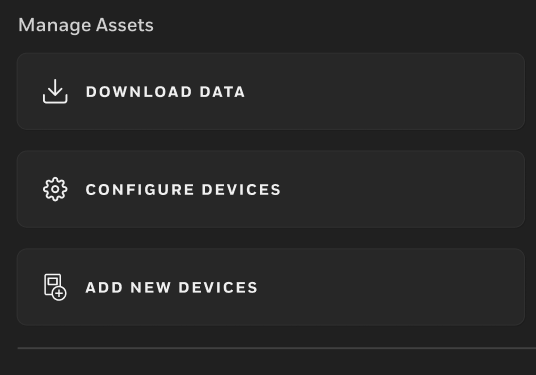
Manage Assets
- Download device data.
- Configure connected devices.
- Add new devices to your inventory.
NOTE: For more details, see Add Assets.
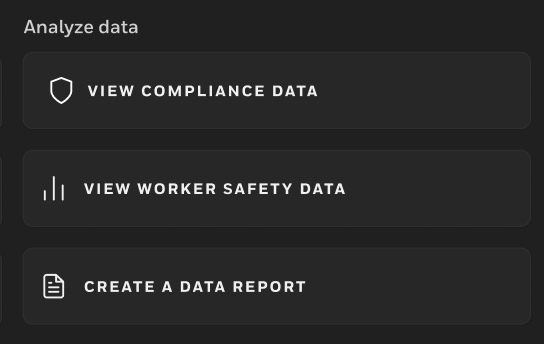
Dashboards and Reports
- Open the Compliance Dashboard to check bump and calibration status.
- Open the Exposure Dashboard to review worker exposure data.
- Create reports based on your safety and compliance information.
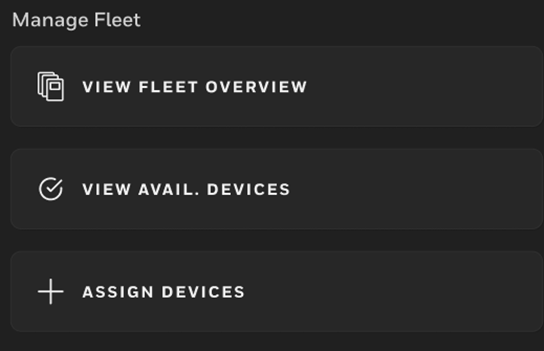
Fleet Management
- View the current fleet overview.
- Check which devices are available.
- Assign devices to users or teams.
NOTE: For more details, see Fleet Management .
Snapshots
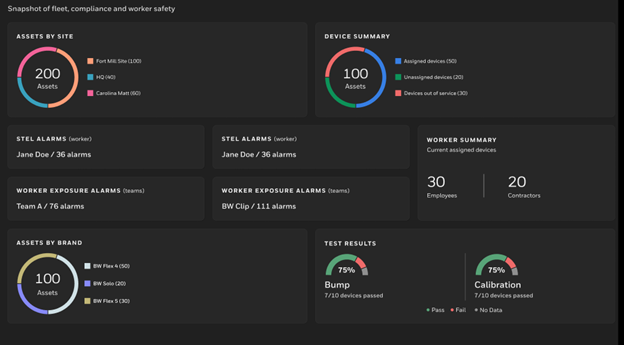
The Landing Page also displays snapshot panels that give you a quick view of:
- Your fleet status.
- Your compliance levels.
- Worker safety indicators.